
t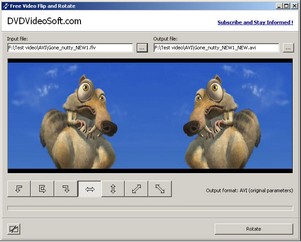
Video Flip and Rotate. Nice little freeware tool that helps you beat the rotated video blues you get when using those tiny phone or digicam video cameras. It’ll handle the normal .avi and .mpg formats and works fast and cleanly. Small files convert quickly and the file size doesn’t grow hugely (around 24% which is reasonable considering). All in all one of those tools that could turn out indispensable one day.
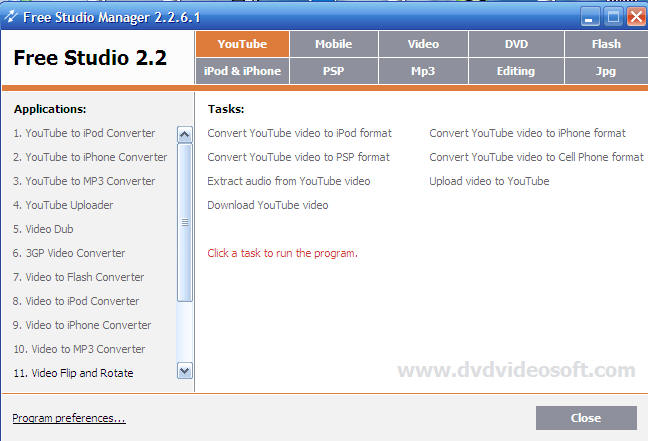
By the way, one new thing I really like is the Studio front end menu system that now comes with software downloads from DVDVideoSoft. It’s just a simple menu where you can select from a variety of video editing tasks, but the clever thing is the proglet will then download, install and run the software you need if it’s not already on your hard disk. It’s a clever idea, especially when you’re offering a full suite of programs doing different things, as here. Check it out.
The interface is very simple and self explaining. There are the field for an input file, the field for an output path, and several buttons with flip and rotate options.




Smart stuff here. I know a few people who have used their digital cameras in portrait mode while shooting a movie clip, only to find out it afterwards of the mix-up.
Thanks!
This seems like a good piece of software. If you want to use XP’s built in Movie Maker here is a way to do it also: http://macnwin.wordpress.com/2008/03/11/tuesdays-tip-of-the-week/
This seems like a good piece of software. If you want to use XP’s built in Movie Maker here is a way to do it also: http://macnwin.wordpress.com/2008/03/11/tuesdays-tip-of-the-week