

Xandros Presto is one of those products which, provocative headlines aside, actually could be a game changer in the computing world. The software is basically Linux bundled as a Windows application, which means it’s fast and easy to install, and provides a bunch of cool benefits to Joe Public computer user.
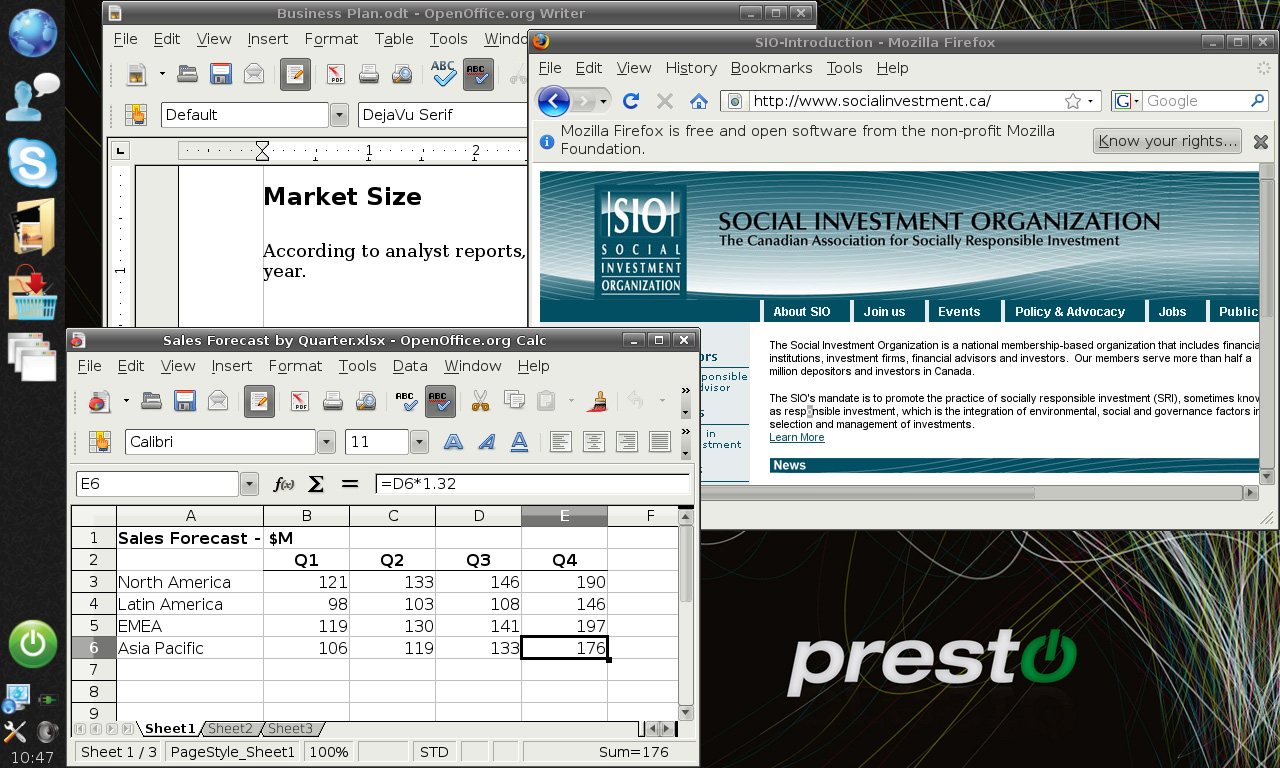
Point One: Yes of course you need Windows to run this, but the 5 minute installation is super simple and after that you need never see your Windows installation again. The low specification requirements (e.g. 512MB RAM) mean you can drag those old dusty laptops out of the cupboard and start to use them again productively. Really!
Point Two: Note to all Linux distro providers (listening Ubuntu?). If you cannot produce an operating system that delivers out of the box working WiFi network functionality, you are toast. Presto just works! I recently tried for half a day to install Ubuntu via Wubi and got absolutely nowhere. Presto is the first Linux variant I’ve found which works with old WiFi PC Cards like a Buffalo Airstation, and on different computers. No doubt there will be configurations which fail, but my experience with three antique laptops and two PC Card adapters was flawless. I installed Presto, powered up and found the network. Seconds later I was online. Awesome.
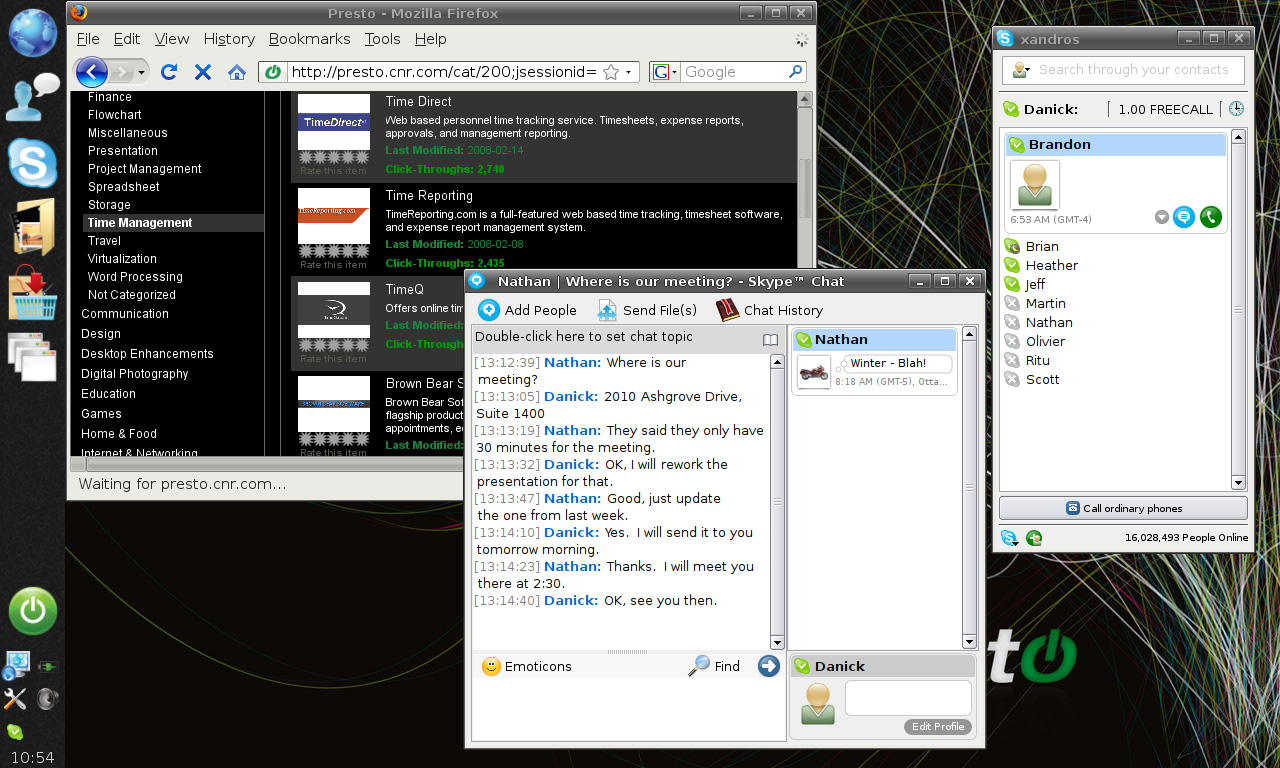
Point Three: The Xandros crew have deliberately kept it simple, oh so simple. The no frills interface features Skype, Firefox, multi-client instant messaging, an application download ‘store’ for free and commercial apps and a nice big friendly power button. It’s perfect for the ‘can’t be bothered’ crowd who just want to get going fast. No fancy eye candy, no wallpapers, just a swift, clean operating system that gets you online, gives access to your hard disk and starts up in a blistering few seconds. The only quibble I have is it would have been nice to have a more Windows Explorer like interface for the file manager, but it’s a small thing.

Point Four: You think a 30 second boot up is not much of a big deal? Think again. It makes *all* the difference, especially if you’re running aging hardware with duff batteries and hibernation is not an option. They say boot up can be in as little as 4 seconds or so, in practice that’s going to depend on your hardware config, but certainly it’s fast enough. My tests:
Toshiba Tecra 9000 (1GB RAM, 1GHz CPU): Windows 7 RC boot – 2 minutes. Shutdown 28 seconds. Presto boot up – 35 seconds, shutdown 4 seconds.
Dell Latitude C510 (512MB RAM, 1.2GHz CPU): Windows XP boot – 2 minutes. Presto boot – 40 seconds.
Conclusion: At last, a Linux that’s cheap, simple to use and just works. Sure you need a Windows installation, but what PC doesn’t have it already installed? And the more you use Linux in the flesh, the more you realise that as long as you have a net connection, there’s not much you can’t do with the PC. The list of Linux alternatives to Windows software is growing all the time, as are the online applications. Unfortunately seamless installation is another problem area with Linux at the moment, but it’s only a matter of time before the devs deliver an .exe type alternative across different distros. For now the Presto application store makes it super simple, and the list of packages is probably more than enough for most people. Priced at $19.95 with a free 7 day trial available via online download. Awesome.
Presto is an easy to install program that works with most Windows XP and Vista PCs – laptops and desktops. Once installed – whenever you turn on your computer, you’ll have the choice of running Windows or Presto. With Presto, you’re automatically connected to your network and productive in seconds. You can easily access your Windows files. When you’re done using Presto, you can turn off your laptop instantly.




How did you get such high boot times? Using RC1 and Presto, I got:
Presto: 21 seconds
7 RC1: 37 seconds.
That was on an Aspire One netbook (1.6 Ghz Atom, 1Gb Ram)
Here's the video:
http://vimeo.com/4201090
I suspect that the WiFi card created boot slow down as I timed things until I could get a signal and start browsing rather than just boot times. RC1 was really slow for this, and Presto trounced it on the Tosh. Weird. Maybe I'll do a video and post it here too to show you.
Also I suspect that the Aspire has a faster bus and graphics subsystem than the ancient laptops I was using!
Oh, forgot to mention I still don't see the point in these ultra fast booting OS. After all, I keep both the netbook and the macbook on sleep / suspend mode, so getting from nothing to a working computer usually takes about 1-3 seconds. I find Presto way too limited for my taste, and with the only real advantage being ultrafast boot times, there was really no reason to keep it around…
Ah yes, but wait till your computer is old and grey, and the battery is shot and sleep/hibernate won't work (it'll just shut down instantly when you unplug). That's when a fast boot becomes really useful and in fact it revitalises the computer completely. I've just got Presto working on a really ancient Fujitsu laptop with 128MB RAM and 10GB hard disk. Funnily enough it boots perfectly, but the Firefox browser crashes, probably because it's trying to hog too much memory. I'm trying to find a lightweight browser for Debian/Presto now.