
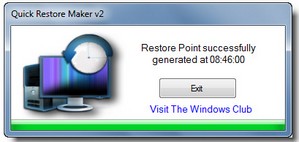
Sometimes you need to set a restore point on your Windows machine fast, just in case something goes wrong with an installation or whatever. The free Quick Restore Maker utility lets you create one with a single click instead of having to go to Control Panel, System…etc etc etc blah. One for the toolbox methinks.
Normally, to create a system restore point, you have to, via the Control Panel, open the System Protection box and then open the System Restore utility (rstrui.exe) to create a restore point. Quick Restore Maker allows you to create one in a single click. The restore point so generated is named as ‘QuickRestoreMaker Generated‘ point…Now anytime you are trying out a new software or are tweaking your system, click on the icon to create a restore point first.




If you had a Mac you'd never need one of these. Plus – you could run the best OS out there, (OSX) and if you really needed to, you could also run Windows. Although I can't imagine why you'd want to.