
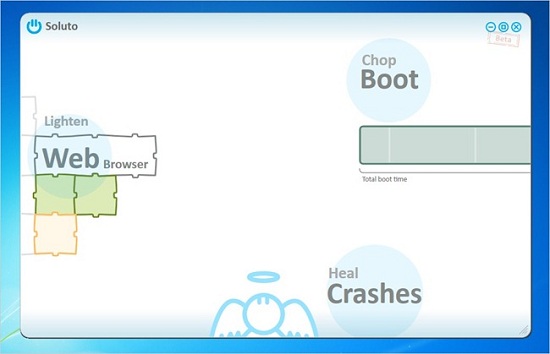
When you go to turn on your computer, there’s nothing worse than having to wait an exceptionally long time before you can actually do anything (well, unless it just won’t boot at all). Usually the main causes of the delay are various pieces of software that all try to start as soon as Windows boots up. The tech-savvy people in the crowd usually know which ones are needed, and how to disable the others. But wouldn’t it be great if there was an automated way to do this? Well there is.
If you’ve not checked out Soluto, you should definitely give it a whirl. I’m generally pretty wary of any software that claims to speed up your computer, but this freebie seems to do a good job, and is very transparent about what it’s doing. If you’re not quite sure where to start once you’ve downloaded it, you can check out a quick how-to guide over here.



![A little hands on time with the cinimizer OLED Multimedia Video Glasses [E3 2013]](http://www.redferret.net/wp-content/uploads/2013/06/IMG_5499-270x190.jpg)


![Revell Cager – impact proof flying fun for all the family [Review]](http://www.redferret.net/wp-content/uploads/2013/06/revellcager-1-270x190.jpg)


![Sony Xperia Z 4G Tablet - hands on with Sony's superb new iPad killer [Video Review] sonyxperiaztablet9 150x150 Sony Xperia Z 4G Tablet hands on with Sonys superb new iPad killer [Video Review]](http://www.redferret.net/wp-content/uploads/2013/06/sonyxperiaztablet9-150x150.jpg)

![Earth Alerts - live map of our planet's natural hazards makes for compulsive viewing (+Freeware] earthalerts2 150x150 Earth Alerts live map of our planets natural hazards makes for compulsive viewing (+Freeware]](http://www.redferret.net/wp-content/uploads/2013/06/earthalerts2-150x150.jpg)


