
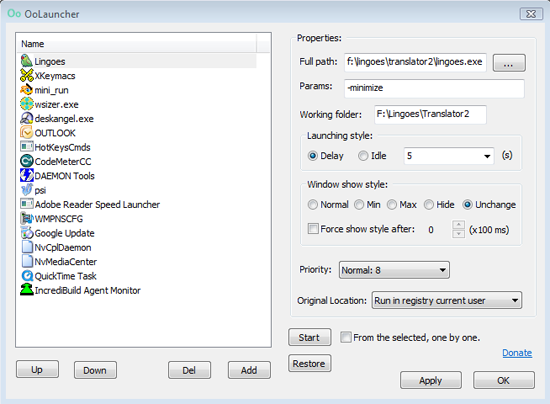
When you first start up your computer, you’ll notice that a number of programs open automatically. Some of these are necessary components, while others are just things you want running at all times. There are easy ways to control which programs do and don’t start with the computer, but no way to control anything past that. Thankfully, there is a great piece of freeware that can help you out.
Oolauncher can do more than just tell certain software to start with Windows. It can let you customize the order in which programs start, set a time delay before launching software, and even set the program to be minimized immediately upon startup. The average user might not see a lot of use in this, but power users might want to give it a spin.





Is it safe?