

3outube makes it super duper easy peasy to download a YouTube video to your computer. Just highlight the video’s URL address in your browser and replace the y in YouTube with a 3. That’s it. For example –
3outube.com/watch?v=SjcBcWMLbfY
or
www.3outube.com/watch?v=SjcBcWMLbfY
Geddit? Try it!
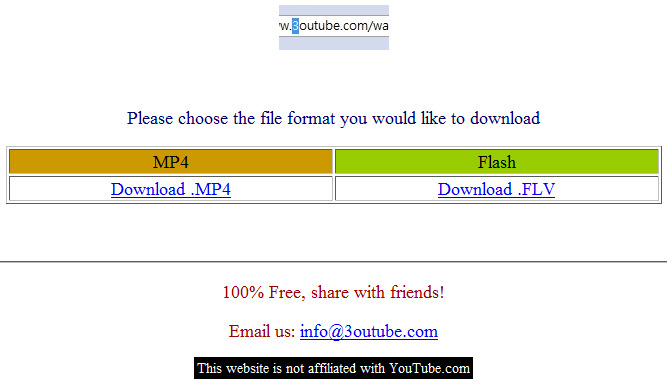





This is exactly what I was looking for to store youtube videos on my iPod Touch.
I use Bywifi Video Downloader to download youtube videos.
——-
Bywifi Video Downloader (Bywifi Video Accelerator) is a free program for downloading, transcoding and accelerating video streaming. It supports downloading, transcoding and P2P accelerating videos from all video websites, such as Youtube, Dailymotion, Metacafe, MySpace, Yahoo, Justin.tv, etc. Lots of advanced network technologies like P2SP (peer-to-server-and-peer), multiple tasks, web sensitive, intelligence caching are used in the software. The bitrate of video streaming is 3-5 times faster with Bywifi than without it. Moreover, it can transcode videos into mobile formats for mobile phones and PDA.