
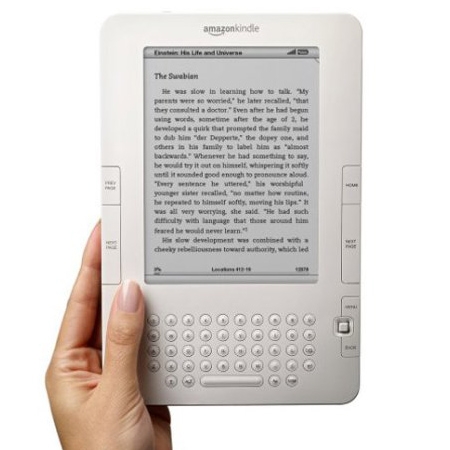
I’ve been reading eBooks almost exclusively since I purchased my iPad last year, and I doubt that I’ll be switching back anytime soon. Of course, there are a few things that do bother me. One of these is the fact that if I were to pick up a real book, I’d have no idea what page I was on. Sure, there are page numbers on the eBooks I read, but they’re only relative to the size of text on the screen. They don’t actually line up with the print versions.
Amazon has come to realize that some people might want to know the �real� page number, and will be updating their Kindle software to allow for this. In their new 3.1 firmware, you’ll be able to see the page number as it would appear in the print version. The new firmware will also give you the ability to make notes public, which means that they can be shared with others. No word on when the new software will be officially released, but you can download an early preview version now if you like.




