
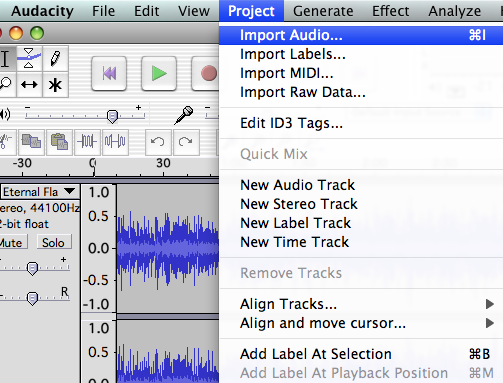
Have you ever recorded a bit of audio (or video), only to find that there is a good amount of ambient background noise mucking it up? One of the best ways to fix this problem is to invest in a better microphone. That does require spending some money, and doesn’t exactly help you with existing audio tracks that have the problem. Well don’t worry, there is a way to clean up the track, and you don’t need to spend a dime to do it.
Check out this great guide on how to use Audacity to remove background noise from your audio tracks. This piece of freeware is rather powerful, and includes some features that you’d only expect to see in pricey recording software. Among the many other things, it can clean up your audio files with only a few clicks. It won’t do a perfect job, as the only way to get truly clean audio is to take the necessary measures before you start recording. However, this should make a nice improvement where it’s needed.





Awesome! :)
:)