
Have you ever been browsing the internet and come across an image that you wanted to look at from a different direction? Maybe it’s just a photo that was taken at a weird angle and you want to rotate it. You can turn your head, but that’s not quite the same. So what do you do? You download the image, then open it, and rotate. Then once you’ve seen it, you delete it. While it only takes a few seconds in total, if you do this very often, you’ll wonder why there isn’t an easier way to accomplish this. Well there is.
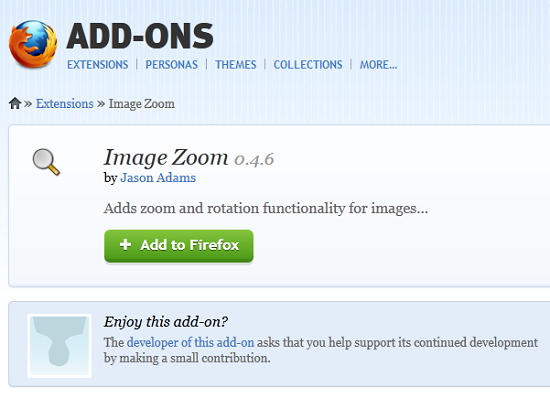
If you’re using FireFox as your browser, you can download the Image Zoom add-on, which will let you rotate images within the browser. Just right-click and select which direction you want to rotate. You’ll only be able to rotate in 90-degree increments. The add-on also allows you to zoom in and out of images within the browser. This can be handy for those times when you want to zoom, but don’t want the entire page to scale, too.





You know therefore significantly in relation to this subject, produced me for my part imagine it from so many varied angles. Its like men and women don’t seem to be involved until it’s one thing to do with Girl gaga! Your individual stuffs nice. Always handle it up!